New shop
Book a product walkthrough
Tell us about your locations, advisors, monthly request volume, current shop system, and the communication problem you want to solve first.
Open the walkthrough formStart a useful conversation
The fastest way to understand ShopStatus is to use one real customer visit: how it starts, where updates break down, and how the pickup handoff works today.
New shop
Tell us about your locations, advisors, monthly request volume, current shop system, and the communication problem you want to solve first.
Open the walkthrough formExisting shop
Sign in to review readiness banners, integrations, notification logs, onboarding, and the current advisor queue before asking for help.
Sign inStill evaluating
See the target shop profile, what stays in your current system, SMS options, and the supported rollout model.
A practical walkthrough
No slide deck marathon. The conversation follows a real repair through both the advisor and customer views.
Intake, status calls, approvals, pickup promises, and the tools involved.
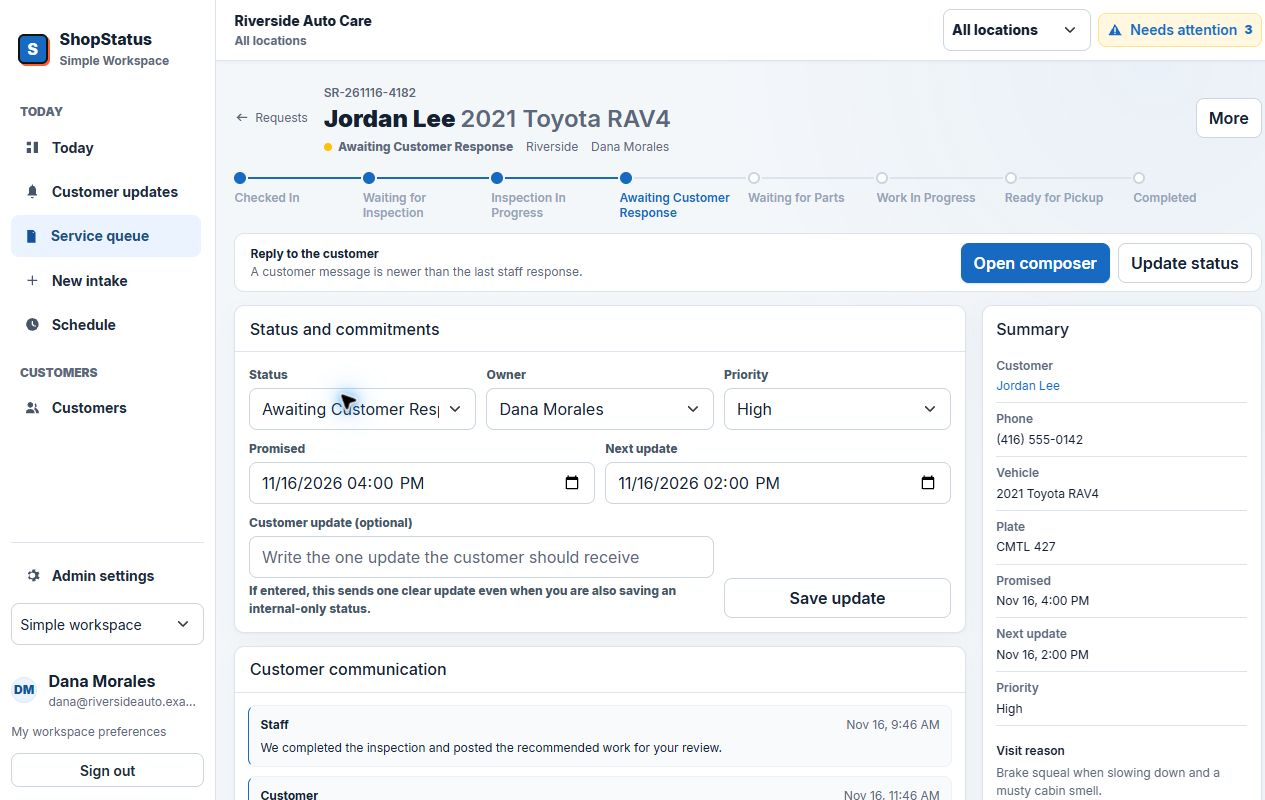
Request creation, customer portal, advisor queue, status, response, and closure.
Locations, staff, SMS, email fallback, QR signs, workflow naming, and support.
Users, locations, monthly volume, communication mode, and next step.
What to have handy
Ready when you are
The request form takes the details we need to make the walkthrough specific.
Start the request